Asus Prime Z390 A Bios Reset

Motherboard How To Restore Bios Setting Official Support Asus Global

Prime Z390 A Motherboards Asus Canada

Asus Prime Z390a Motherboard Installation And Review Gregor Youtube

Asus Prime Z370 A Bios Overview Youtube

Asus Prime Z390 A No Easy Answer Youtube

Asus Rog Strix Z390 F Gaming Motherboard Product Overview Youtube
4 on the motherboard reseating not a typo for non english speakers the cmos battery.
Asus prime z390 a bios reset. To erase the rtc ram. Asus and our third party partners use cookies cookies are small text files placed on your products to personalize your user experience on asus products and services and similar technologies such as web beacons to provide our products and services to you. Please refer to the main board for the actual position. Re connect the power and boot the device press delete to enter bios for setting.
Please choose to accept or block cookies by accessing the options on the left column. Designed for 9th generation intel core processors the prime z390 a delivers maximum performance with customizable style. The location of the clrtc at prime z390 a is at sign 13. Aura sync rgb with addressable headers customize your build.
Aura sync rgb with addressable headers customize your build. Make two jumper caps short circuit with a metal conductor. 1 inside bios using option load optimized defaults or if appickable load fail safe defaults 2 at the back of the motherboard pressing clear cmos button. 3 on the motherboard using the clrtc jumper.
Enter bios and press f5 for default setting. 5 reflashing bios using the same version haven t tried if possible but just in theory. 5 way optimization provides ai overclocking and dynamic fan calibration while dual m 2 and usb 3 1 gen2 delivers maximum transfer speeds. This is a schematic diagram.
5 way optimization provides ai overclocking and dynamic fan calibration while dual m 2 and usb 3 1 gen2 delivers maximum transfer speeds. Please press this button at the status of shutdown with power cable removed. Please refer to manual on product support page for exact clrtc position on each motherboard. Choose yes then bios will return to default value.
Prime z390 a specifications summary cpu intel socket 1151 for intel core 9000 series 8th generation core i7 i5 i3 pentium and celeron processors supports 14nm cpu supports intel turbo boost technology 2 0 intel turbo boost technology 2 0 support depends on the cpu type.

Asus Prime Z370 A Ii Vs Asus Prime Z390 A What Is The Difference

Gigabyte Ultra Durable Z390 M Gaming Desktop Motherboard Intel Chipset Socket H4 Lga 1151 Gaming Desktop Gigabyte Motherboard

Neweggbusiness Asus Prime Z390 A H10 Motherboard Bundled Intel Optane Memory H10 With Solid State Storage 32gb 512gb Lga1151 Intel 8th And 9th Gen Atx Ddr4 Dp Hdmi M 2 Usb 3 1 Gen2

Asus Rog Strix Z390 E Gaming Gaming Motherboard Asus Usa
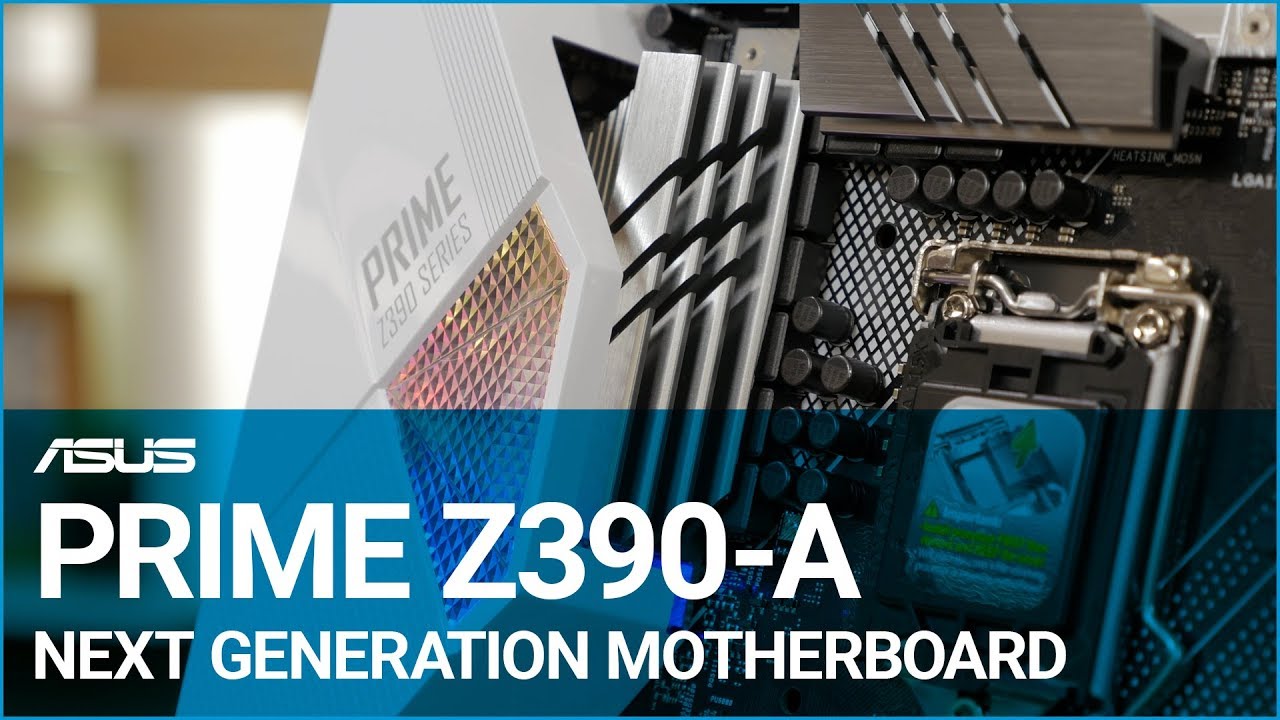
Asus Prime Z390 A Next Generation Motherboard Overview Youtube

Asus Tuf Gaming X570 Plus Motherboard Amd X570 Am4 Socket Atx Ddr4 Sata 6gb S Usb 3 2 Gen 2 Aura Sync Rgb Lighting For Sale Hobbybuying Com In 2020 Motherboard Ddr4 Atx

Rog Maximus Xi Hero Motherboards Asus Usa

Asus Launches New X399 And X299 Boards Ready For Hedt Cpus Asus Motherboard Asus Rog

Prime Z370 A Driver Tools Motherboards Asus Usa
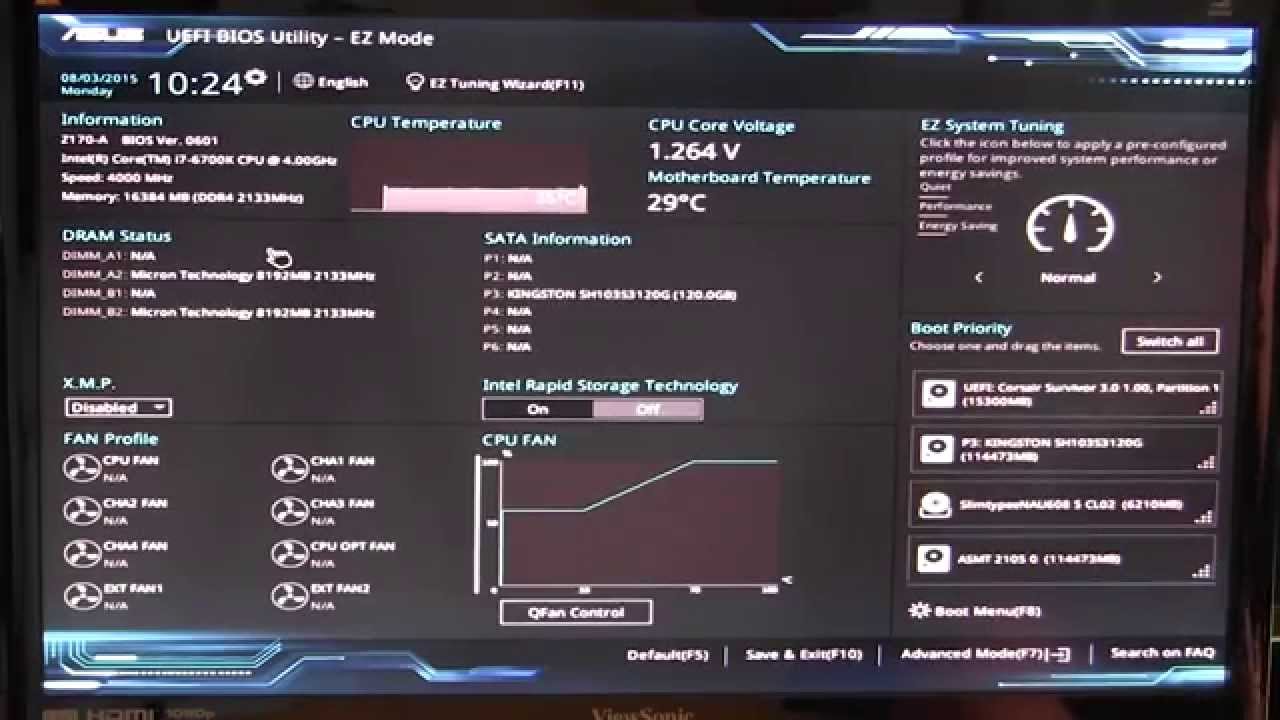
Asus Z170 A Motherboard Bios Overview Youtube

Mpg Z390 Gaming Pro Carbon Desktop Motherboard Black Motherboard Msi Usb

Gigabyte H310m Motherboard For 32gb Ddr4 Lga1151 Desktop Computer Game Gigabyte In 2020 Motherboard Gigabyte Ddr4
Https Www Asus Com Support Faq 1043640

Msi Mag Z390 Tomahawk Motherboard Military Style Dual Lan 4 Ram Slot Raid M 2 Slot Heatsink Design Mystic Light Personal Computer Center Motherboard Heatsink Design Msi

Asus Tuf Z390 Plus Gaming Motherboard Product Overview Youtube

Asus Strix Z490 H Gaming Motherboard In 2020 Motherboard Asus Asus Rog

Msi Mpg X570 Gaming Edge Wifi Motherboard Amd X570 Am4 Socket Atx Ddr4 Sata 6gb S M 2 Usb 3 2 For Sale Hobbybuying Com In 2020 Motherboard Ddr4 Atx

How To Configure Raid For The Asus Tuf Z390 Plus Gaming Motherboard Youtube
Https Encrypted Tbn0 Gstatic Com Images Q Tbn 3aand9gcr9awhfmenzyzlviwziq Rzw8udzepspfzed32vvb50ovfgfxgb Usqp Cau

Intel Core I9 9900k 3 6 Ghz Eight Core Lga 1151 Processor With
Aura Sync 1 07 35 Report Any Issues Here Page 18

Ws Z390 Pro Servers Workstations Asus Usa
Z390 E 9700k Hang On Boot
