3ds Simple Cia Convertor
Release 3ds Simple Cia Converter Page 40 Gbatemp Net The Independent Video Game Community

3ds Cia Forwarder For 3dsx Homebrews Released Hackinformer
Release 3ds Simple Cia Converter Page 37 Gbatemp Net The Independent Video Game Community

Need Some Help Converting 3ds To Cia Gbatemp Net The Independent Video Game Community

Convert Snes Rom S Into Cia S Install Them Old New 3ds 2ds Youtube

3ds How To Convert 3ds To Cia Easiest Way Youtube

How to use 3ds to cia converter.
3ds simple cia convertor. 1 put your 3ds video games into roms folder and press produce ncchinfo bin data switch to develop ncchinfo bin from 3ds roms. Put the 3ds roms in the roms folder. 3dsconv is the latest one and it supports using the bootroom keys so you don t need to grab the xorpads for encrypted 3ds files those are the files simple 3ds converter is asking for. 3ds simple cia convertor zip.
It will ask you to select a folder select the roms folder even if you dont see any files. Create a folder called in inside the gm9 folder on your sd card if it doesn t exist already. Power your 3ds on while holding start to.
Simple 3ds converter is very outdated. 2 make use of godmode9 in addition to developed ncchinfo bin to produce exheader xorpads put it in origin of sd card launch godmode9 as well as comply with. Insert your 3ds sd card into your pc. Convert 3ds to cia.
Move makerom and converter bat to that folder drag your cia to converter bat and you are good. Insert your sd card into your 3ds. Wait till it says finished. Copy your 3ds rom file to the gm9 in folder on your sd card.
Then run the exe then choose convert 3ds rom to cia. Just get the exe put it in a folder and put the boot9 bin bootrom in the same folder and you can convert by just dragging a 3ds file into the exe. Today i will show you how to convert ps1 iso files to downloadable cia files that you can use on your 3ds or 2ds. Readme txt create a makerom folder.
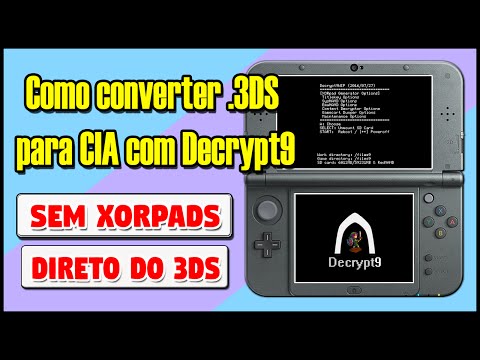
3ds To Cia Converter For Mac Crackok S Diary

Videogamex Forums

Byfa 3mmbqmodm

3ds To Cia Converter Fasrread

11 Best Tools To Converting Html To Pdf Easily Online Promotion Just For Laughs Social Media
Converting 3ds To Cia File Format Youtube

Arduino Traffic Display Using Google Maps Api Arduino Arduino Projects Electronic Circuit Projects
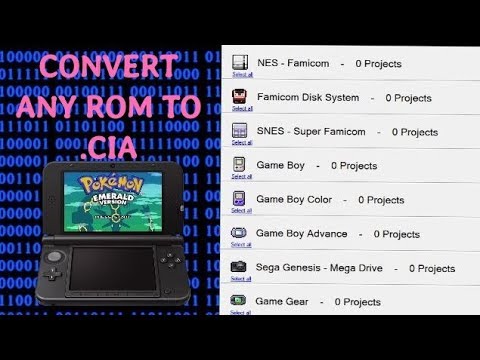
How To Convert Any Rom To Cia File And Save Gb Gba Gbc Nes Snes Famicon 3ds Nsui 2020 Youtube

3ds To Cia Converter For Mac Craftcrack Over Blog Com
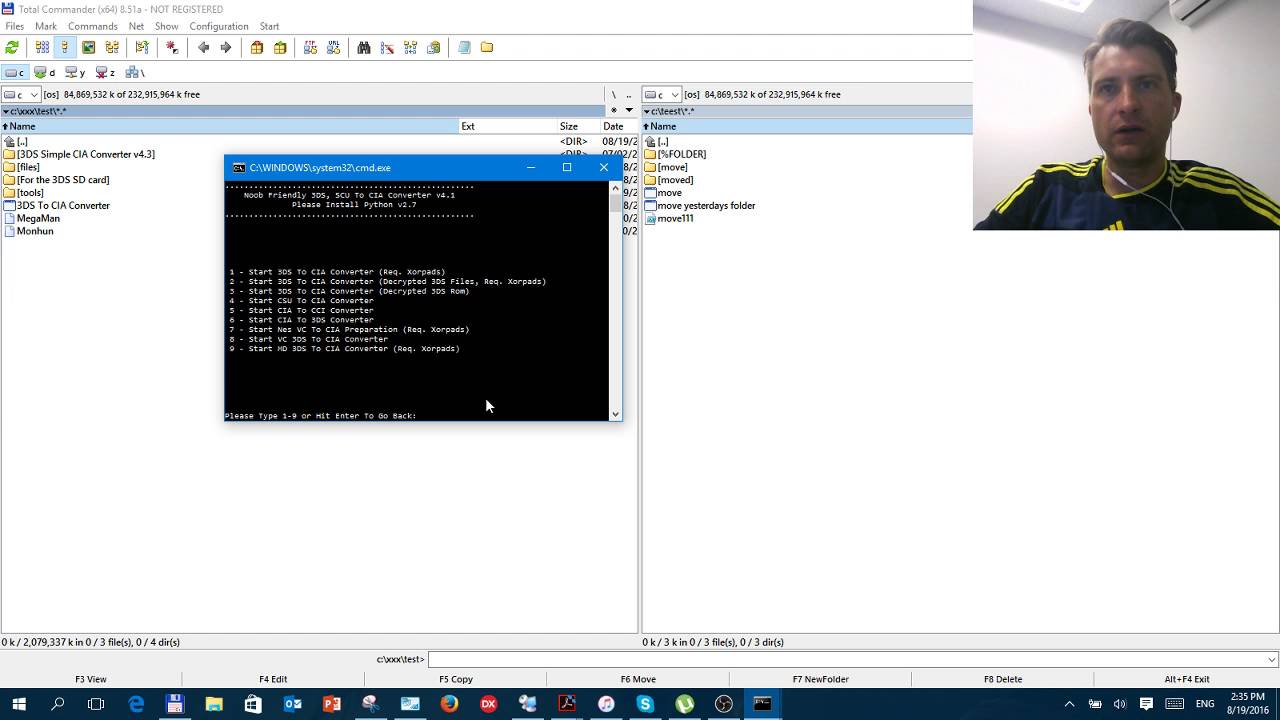
How To Convert Cia To 3ds Youtube

Emil Mujanovic Vertex Emilmujanovic Clothfundamentals 01 Jpg 1579 1116 Zbrush Zbrush Tutorial Vertex
Release 3ds Simple Cia Converter Page 24 Gbatemp Net The Independent Video Game Community

How To Decrypt 3ds Cia Rom S For Citra Emulator Youtube

Tok Led Ustanavlivaetsya S Pomoshyu R3 On Priblizitelno V 2020 G Drajver Radiolyubitel Shemotehnika
How Can I Get Free Games After Cfw Homebrew Freeshop Gbatemp Net The Independent Video Game Community

Ctptnapbqf84mm
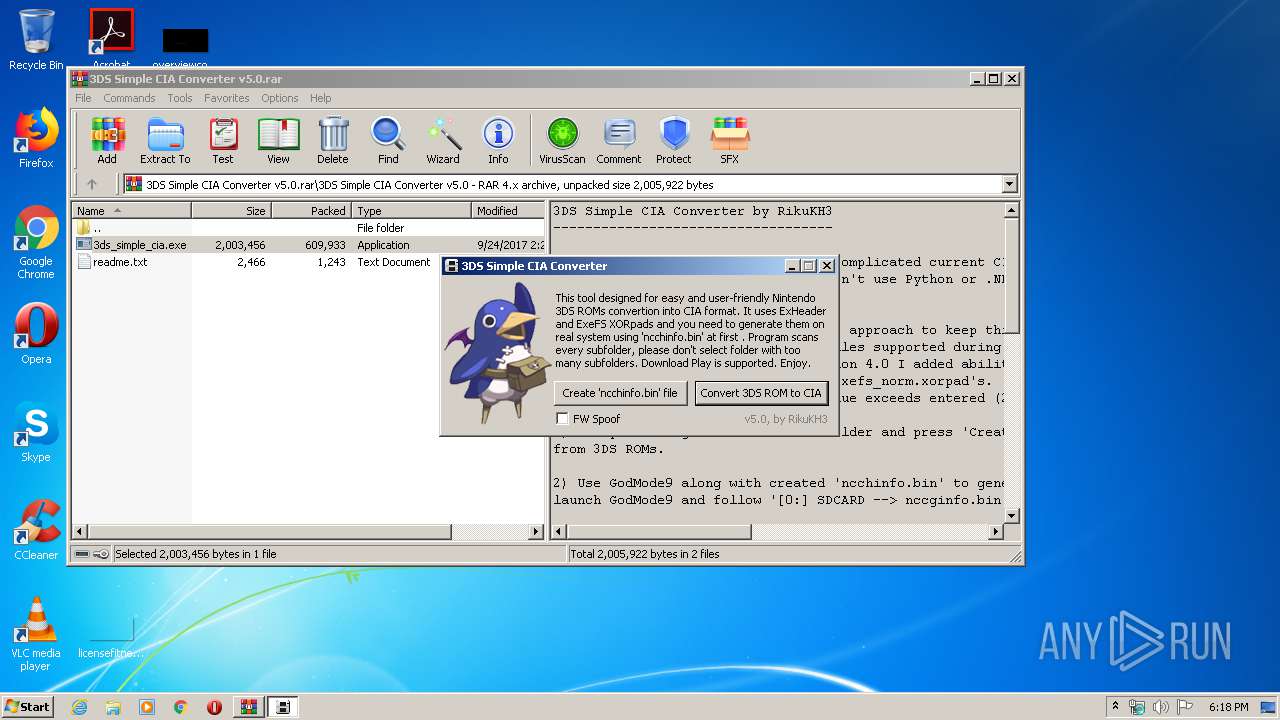
3ds Simple Cia Converter V5 0 Rar Md5 5149492651710f87022d438ec699fb15 Interactive Analysis Any Run

Ix2r3wda8cubrm
How To Convert A Citra 3ds File To A Cia Updated Youtube

Release Bcstm To Wav Converter Using Vgmstream Gbatemp Net The Independent Video Game Community

3ds Tutorial Simple Way To Create Xorpad Youtube